

Overview
At the bare minimum, turn the internet off for one evening and see what still works. That tells you more than any list.
A tool can be installed locally and still require an online model, map tile, login or document-processing service. The most useful test is the state you expect in an outage: a restarted device, no internet and a new task.
Separate device-only tests from household-network tests. Turning off a router tests network failure; disconnecting its WAN/uplink while leaving Wi-Fi powered tests internet failure. Both are worth planning for, but they reveal different weaknesses.
This drill is an editorial verification checklist. It isn't a claim that these products were hands-on tested here, and it isn't proof of a medical, navigation or security guarantee. Repeat it after major changes to software, models, content or hardware.
What you'll need
- Prepared apps, model files, archives, documents and regional maps
- A short non-sensitive document not already indexed
- A known route and known-answer reference questions
- Permission to interrupt your household's internet connection
- Paper notes, backup storage and your planned power sources
Instructions
Finish the dependencies
Check installer, container image, language model, embedding model, optional extraction or voice-resource downloads. Wait for pending indexing to finish. Record app versions, model names and archive/map dates.
Restart before testing
Reboot the host and reopen applications. Confirm services and files persist. An application that worked once before reboot may have depended on a temporary process, path or login.
Test the standalone phone or laptop
Disable internet access and open the downloaded archive and a PDF. Run a new reference search. If using AI, start a new conversation instead of reading an old response.
Index a new document
With the connection still off, add the prepared short document to the chosen AI workflow and ask a known-answer question. Check the original source. This catches document-model dependencies that a previously indexed library may hide.
Test the local network separately
Disconnect the router's WAN/uplink while leaving its Wi-Fi/Ethernet powered. Disable client cellular data and connect to the recorded server LAN address. Test a new search and query. Restore the connection carefully after the test.
Test map search and routing
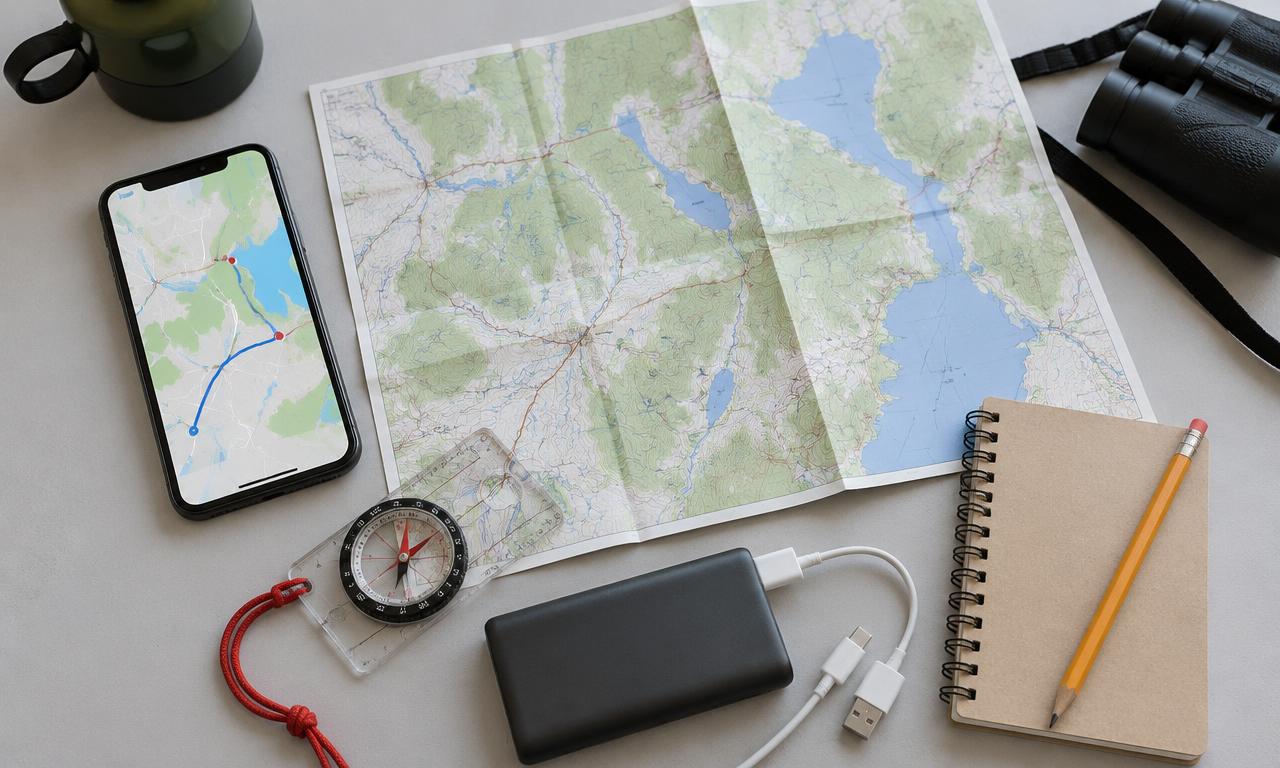
On the phone, remove internet access and search within downloaded coverage. Calculate a fresh route across the regions you expect to use. Check positioning safely outdoors and verify any required voice guidance separately.
Check a recoverable backup
On a compatible spare device or safe test location, unlock the backup and open critical files. Follow application-specific restore procedures where relevant. Don't overwrite a working server just to test a recovery you have not rehearsed.
Measure the power plan
Test the devices using the intended battery supply in a safe setup. Include the router/access point if sharing. Record observed power use and usable time; don't assume charger ratings represent average consumption.
Fix, repeat and share the result
Write down missing files, coverage gaps and confusing steps. Correct them while online, then repeat the disconnected test. Have another household member find a reference and destination using your written notes.
Check it works offline
- A restart and fresh tasks succeed with internet disabled.
- New document processing works if included in the kit.
- LAN sharing works without WAN access, with cellular data off.
- Maps, backup recovery and power have each been checked separately.
Things to watch for
Coordinate the internet interruption so it doesn't disrupt important communications or other household work.
Passing an offline test doesn't make AI answers correct or map conditions current.
Keep an independent phone/paper fallback in case the shared server or router fails.
Sources and further reading
Related how-tos
Prepare offline maps and alternate routes
Download connecting regions in Organic Maps or OsmAnd, save destinations and test search, routing and location without mobile data.
Read the how-toSave and protect important offline documents
Build a readable reference folder, separate private records, and verify an encrypted backup you can unlock without the internet.
Read the how-toBuild an offline knowledge server with N.O.M.A.D.
Put references, learning materials, regional maps and optional AI on one household server — without confusing a local network with the internet.
Read the how-to