

Overview
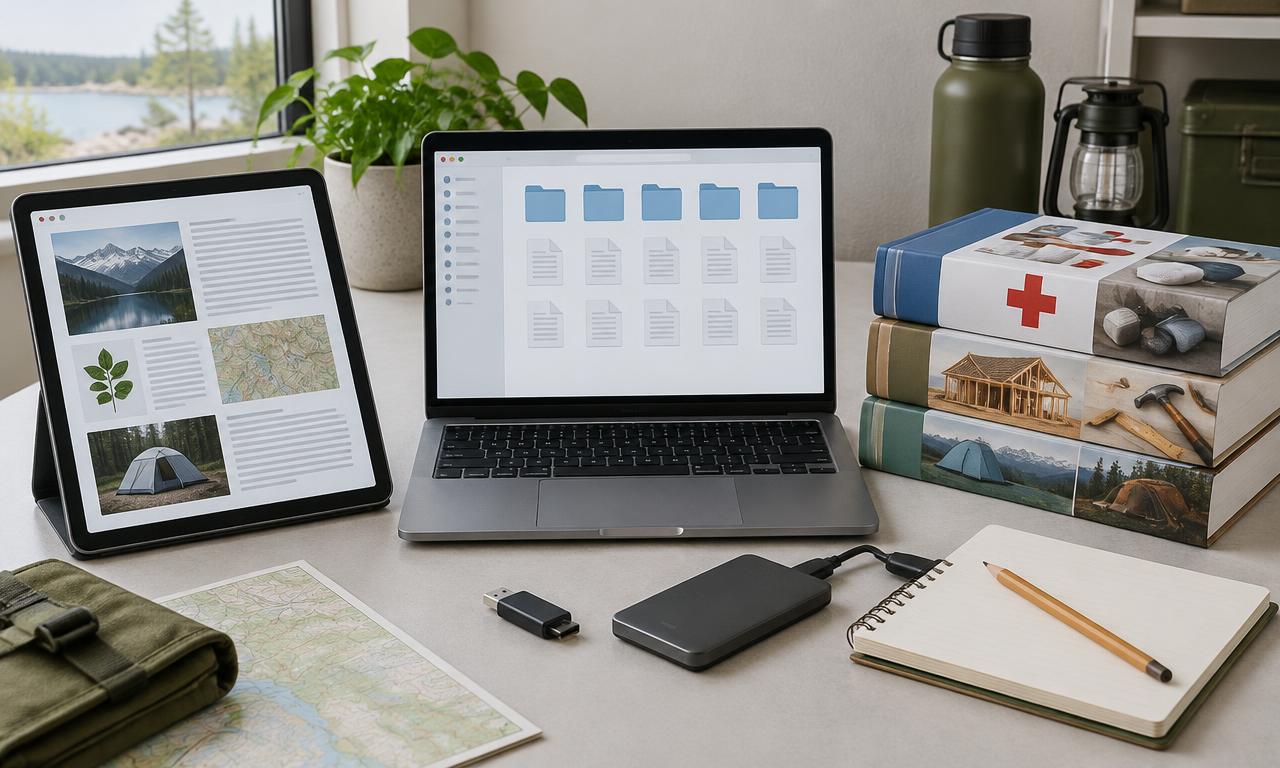
At the bare minimum, keep copies of ID, insurance and medical info on a USB stick and on paper.
An offline document kit has two collections: general references that may be shared, and private records that should not be. Equipment manuals, lawful reference PDFs and written household plans belong in the first. Identity, insurance and medical records need separate access and storage decisions.
The following is an editorial organization and backup workflow, not a claim that Kiwix, an AI app or a USB drive provides automatic encryption. Downloading a file removes one dependency; opening it, searching it and recovering it must also work without a cloud login.
Keep a small paper summary for time-critical information. A family member should be able to find contacts and meeting places even if the laptop is dead, the storage drive is damaged or the person who knows the password is unavailable.
What you'll need
- A PDF/text reader installed on every intended device
- Documents from authoritative publishers or records you are entitled to keep
- Local storage and a separate backup drive
- A supported encryption method with an offline recovery plan
- Paper copies of a carefully limited emergency summary
Instructions
List what you actually need
Collect household contacts, meeting addresses, equipment manuals and relevant reference material. Choose authoritative current publishers for safety content. Don't collect unrelated files just because you have spare storage.
Separate references and private records
Use distinct collections with different access. A general library can be shared; identity and medical records should not sit in an unauthenticated LAN service such as a default N.O.M.A.D. setup.
Save actual readable files
Download lawful PDFs or text copies rather than keeping only links or cloud shortcuts. For your own web-based plan, export a complete copy. Preserve publisher, date and license information, and check that important tables and images are included.
Name and index the collection
Use descriptive filenames with edition or date where helpful. Create a plain-text index explaining what is stored and where. Avoid relying on one application's database to identify your original files.
Check readability and search
Open each important file with the reader you will use offline. Search for a known phrase. If OCR is needed, check extracted numbers and warnings against the original page. Keep the original image or PDF, not only the extracted text.
Protect private storage
Use an encryption method supported by your devices and operating systems. Review how to unlock it and recover keys offline. A password on a user account isn't necessarily disk or backup encryption, and ordinary USB drives should not be assumed encrypted.
Make a separate backup
Copy the collection to a second location and disconnect that copy when not updating it. For sensitive records, verify the backup remains encrypted. Keep recovery instructions or keys separately under an appropriate household access plan, not beside an unprotected drive.
Perform an offline restore test
With internet disabled, unlock the backup on a compatible device and open several critical files. Restore a small test folder to a safe location. Check the files without depending on a web account or a cloud-only key-recovery service.
Prepare paper and maintenance
Print a limited contact and meeting-point summary and store it appropriately. Review records when circumstances change. Confirm another trusted person can use the kit without giving everyone access to every private record.
Check it works offline
- Essential files open and can be located without a web login.
- Private records are separated from a shared reference library.
- An encrypted backup has been unlocked and sampled offline.
- Paper contacts and meeting addresses remain usable if devices fail.
Things to watch for
Don't upload private files merely to try an AI feature. Establish providers and access first.
Content licenses and document rights differ; an app's license doesn't authorize copying every book.
Encryption protects confidentiality, not availability. Lost keys can make a perfectly intact backup unusable.
Useful equipment
Portable SSD
For a second copy of archives and documents. Capacity depends on the files you choose; encryption is a separate requirement.
See on Amazon.caUSB drive
A compact additional copy of important papers. Check that it opens on every device you intend to use.
See on Amazon.caAmazon.ca search links; no hands-on endorsement or guaranteed compatibility. As an Amazon Associate I earn from qualifying purchases.
Sources and further reading
Related how-tos
Download Wikipedia and references with Kiwix
Choose useful ZIM archives, download them completely and keep an offline reference library that needs no AI model to read.
Read the how-toAsk questions of your offline manuals
Use AnythingLLM workspaces to retrieve passages from a small, trusted library while keeping the original documents as the authority.
Read the how-toRun an offline knowledge and maps drill
Restart devices, cut internet access and test fresh work — not just a cached page or an old chat — before depending on the kit.
Read the how-to